← First steps · Contents · The window →
Getting started
Adding your first source
SummaReader is empty until you tell it what to follow. Press + beside Your shelf and paste an address into Add a link.
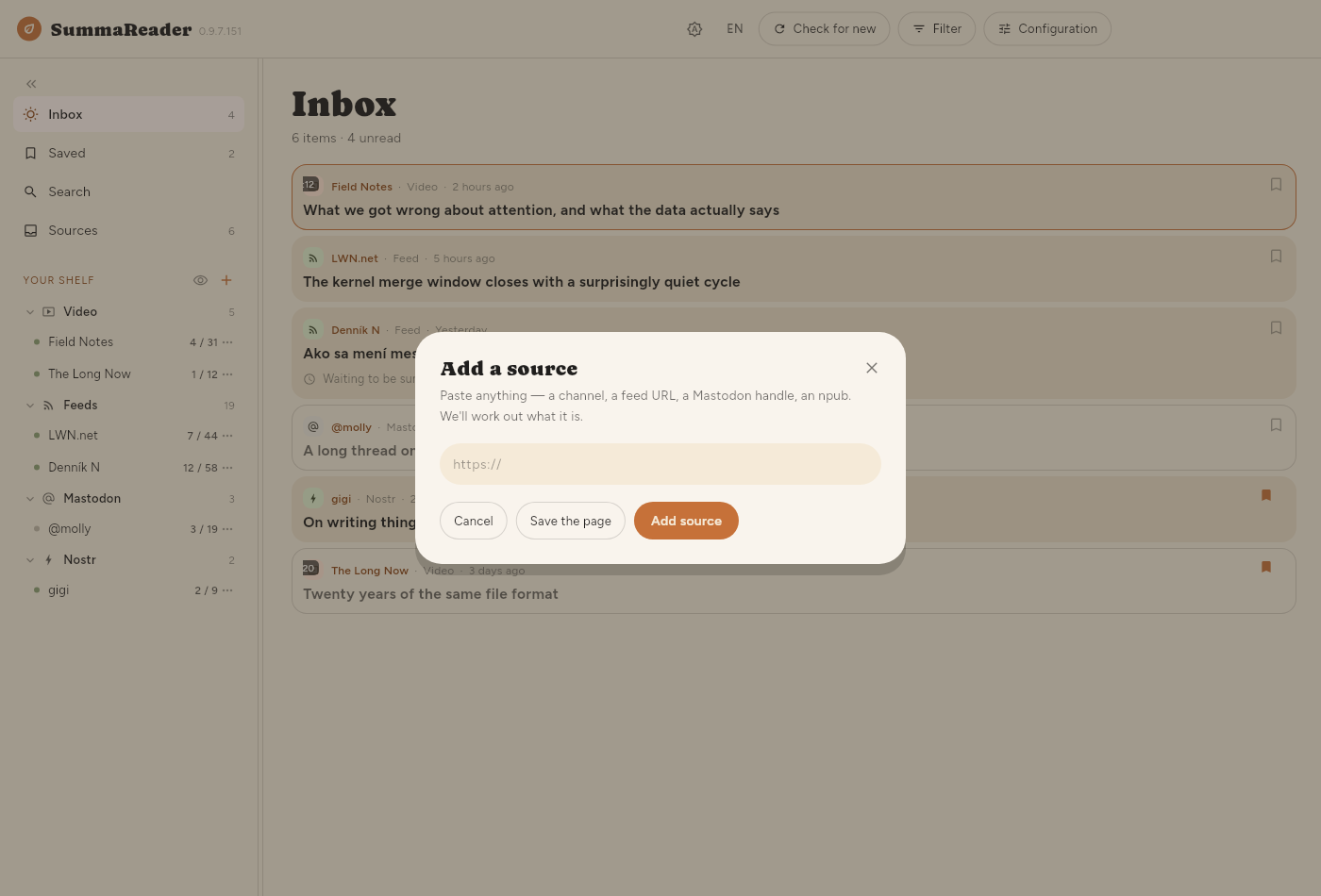
You can paste any of these and the right thing happens:
| You paste | It becomes |
|---|---|
A feed address (…/feed.xml, …/rss, feeds.…) | A feed |
| A site's home page | A feed, if the page advertises one |
| A YouTube channel or video address | That channel |
A Mastodon account (@name@server) | That account's posts |
A Nostr profile (npub1… or nprofile1…) | That author's notes and articles |
A public Telegram channel (t.me/name) | That channel's posts |
| Any other page | The page itself, kept once |
A Nostr author is read from the relays that the author writes to. Each post is checked against the author's signature. A Telegram channel must be public: the app reads its web page at t.me/s/name. A private channel or a group is refused. A bare @name is a Mastodon account, not a Telegram channel.
To find an author's relays, the app first asks four built-in relays for the author's relay list and profile. It also reads posts from them when an author publishes no list. To use other relays, for example one that you run, change the list in Configuration › Basic › Fetching › Nostr relays. Each address must start with wss://. The section shows only when you follow a Nostr author.
When a page also advertises a feed, the dialog offers both: the feed keeps delivering, the page itself is kept once and nothing more. A shared or pasted address that turns out to be a feed itself is followed, not kept.
After you share a link to SummaReader, a message says what happened: "Added to Saved" for a page that was kept, or "Added as a source" for an address that is followed. On Android, when SummaReader is not in front at that time and notifications are allowed for it, the same message shows as a notification. SummaReader never asks for that permission when you share. On iPhone the share sheet shows "Sent to SummaReader" and closes; the message above shows when you next open the app.
A podcast feed is followed like any other feed. When an episode links a transcript, SummaReader reads and summarizes the transcript instead of the episode's page.
Importing what you already follow
If you are coming from another reader, Configuration › Advanced › Your data › Import › Import from a file takes an OPML file. Everything in it arrives as a source.
What happens on the first check
A feed's first poll delivers whatever archive it currently advertises — fifteen videos, thirty articles. None of that is new to you, so none of it is summarized automatically. Only things published after you subscribed are.
Anything older can still be summarized whenever you want it: open it and press Summarize, or use the bulk button described under Summaries.